Start with the connections. Own the implementation.
The blueprints provide a process structure and shared setup guidance. Your team adds credentials, identifiers, field mappings, review rules, and client-specific tests.
BLUEPRINT 01
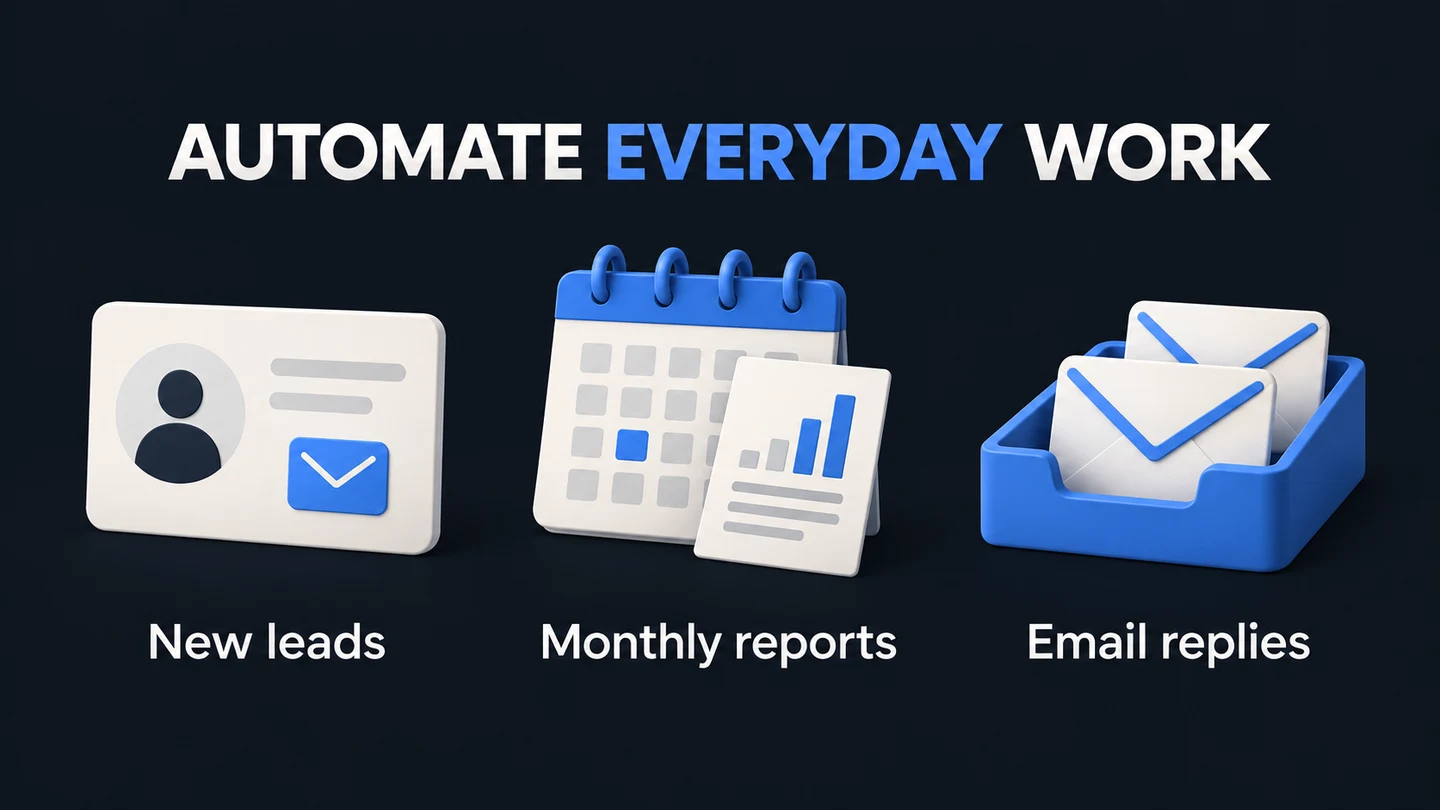
Lead capture → CRM
Connect an inbound form to enrichment, scoring, a CRM record, and a drafted reply. Adapt qualification rules to the client’s sales process.
Test missing fields and duplicate submissions before enabling production writes.
WORKFLOW 01CONCEPT PREVIEW
↳Lead captureTRIGGER
⌘Enrich dataTRANSFORM
◇Score leadPROCESS
↗Sync to CRMDELIVER
Importable JSONConfigure → Test → Deploy
BLUEPRINT 02
Monthly client report
Bring GA4 and Search Console data into a defined reporting process. Compare periods, create an AI-assisted summary, and prepare the client update.
Check date ranges, missing data, and source permissions. Review generated summaries before delivery.
WORKFLOW 02CONCEPT PREVIEW
↳GA4 + GSCTRIGGER
⌘Compare periodsTRANSFORM
◇AI summaryPROCESS
↗Review reportDELIVER
Importable JSONConfigure → Test → Deploy
BLUEPRINT 03
Inbound email triage
Categorize incoming messages, prepare reply drafts, and make urgent items visible. Keep escalation and review rules explicit.
Validate sensitive and ambiguous categories. Drafting a response does not authorize automatic sending.
WORKFLOW 03CONCEPT PREVIEW
↳Inbound emailTRIGGER
⌘CategorizeTRANSFORM
◇Draft replyPROCESS
↗Human reviewDELIVER
Importable JSONConfigure → Test → Deploy
BEFORE DEPLOYMENT
The blueprint is the beginning.
01
Bring the right accounts.
Your own n8n environment, API credentials, and access to relevant Google, CRM, or email accounts. Third-party costs are separate.
02
Customize in a test environment.
Inspect every node. Replace IDs. Check scopes, field mappings, and routing rules.
03
Agree on the operating model.
Define monitoring, error handling, human review, and the person responsible after handoff.
The quality companion is included with the 12 core files—not a separate subscription.
111 local checks passed
Regression fixtures exercise the shipped parser code, multi-item identity, reporting periods, malformed responses, write-gate wiring, and the duplicate-protection ledger. Run the included test command without API credentials.
Duplicate protection included
Every blueprint claims a key in a ledger sheet before any external write and records each side effect, so a re-run resumes instead of duplicating. This is protection, not exactly-once delivery, and the limits are written down. The v1.1 JSONs opened in n8n 2.38.4 on September 12, 2026; the v1.2 JSONs have not been import-checked yet.
Safer first run
CRM writes, Gmail labels and drafts, and Slack posts default off, and the ledger claim sits behind that same gate, so a preview run writes nothing anywhere. Upstream API requests can still cost money. No automatic email sending. Add monitoring and a named owner before production.
Included example: compare 120 current sessions with 100 previous sessions → +20%. Invalid source data blocks the report draft instead of turning missing data into zero. This is a synthetic fixture, not a customer result.
FROM FRAMEWORK TO DELIVERY
Your next client project. A stronger starting point.
Audit the opportunity. Build the system. Deliver the work.